Clamp-On Under-Desk Drawers for Small Desks: Measure Before You Buy
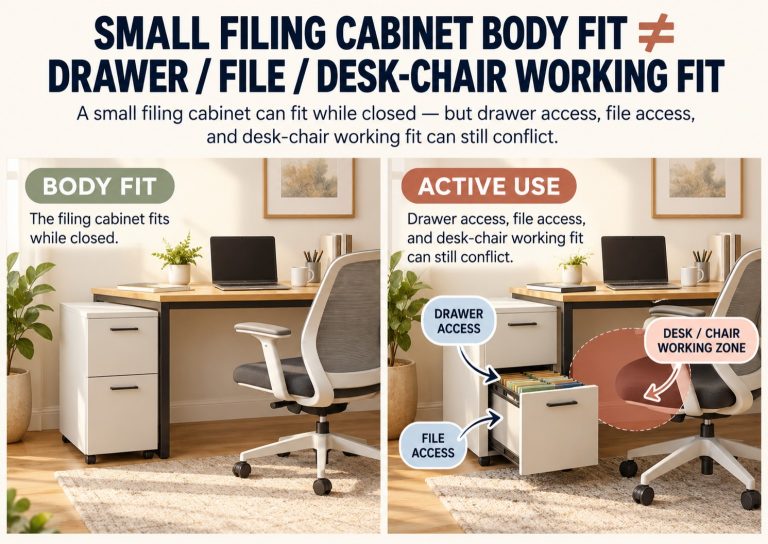
A clamp-on under-desk drawer can add storage for pens, notebooks, chargers, and other small items without drilling holes into a rental desk. But a drawer that fits the desktop thickness may still collide with a metal frame, block your knees, or prevent your chair from sliding underneath.
The first question is not how much a drawer holds. It is whether the entire drawer and clamp assembly can fit and operate beneath your desk.
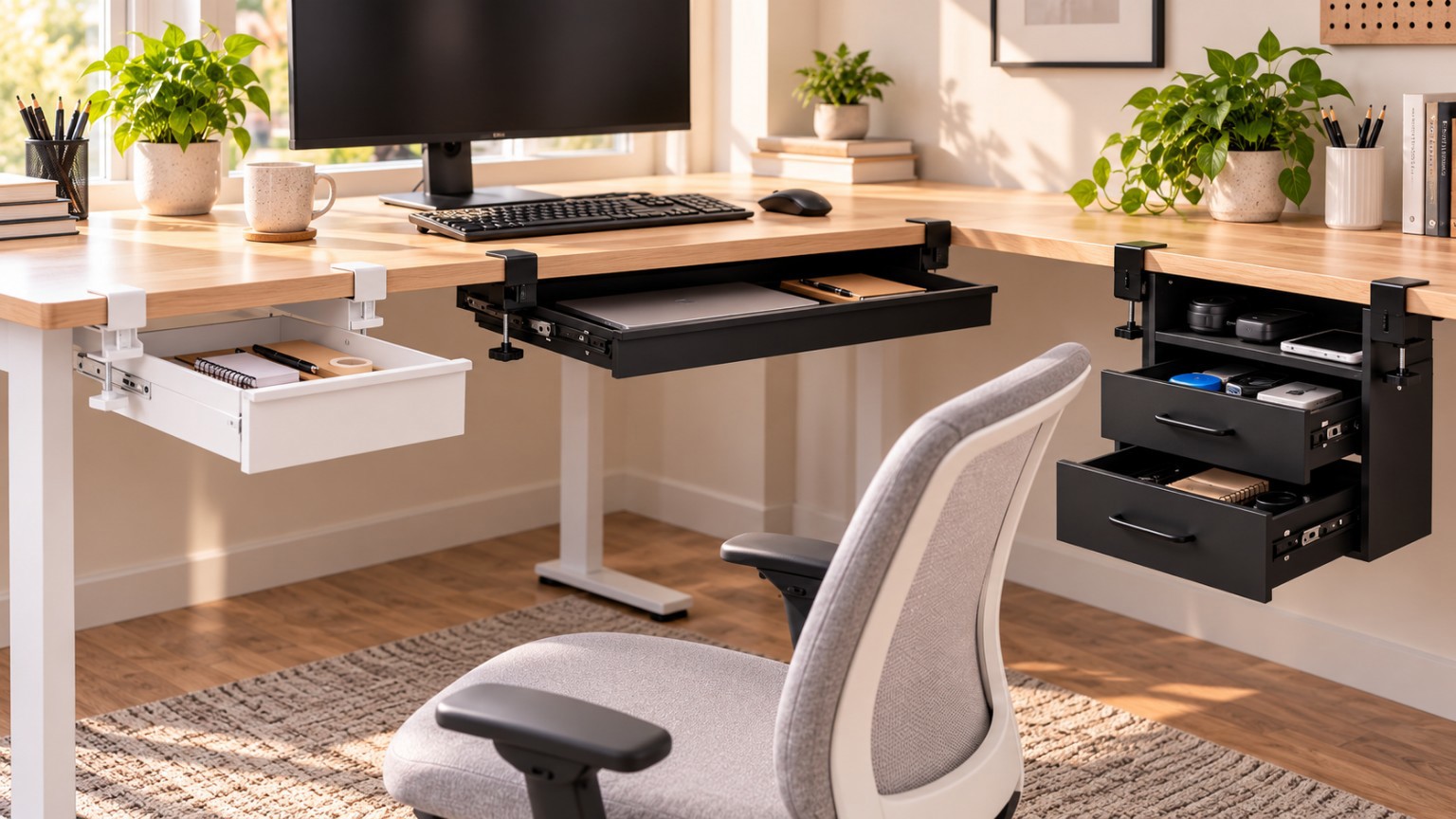
This guide compares three specific VIVO clamp-on storage products. They serve different desk layouts and should not be treated as interchangeable.
Quick Fit Checklist
Before shopping, measure:
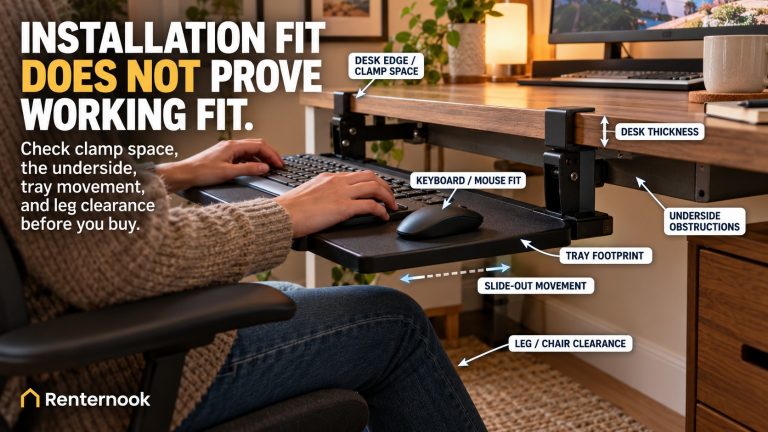
Desktop thickness at the intended clamp location
Length of unobstructed desk edge
Space beneath the desktop for the clamps and drawer
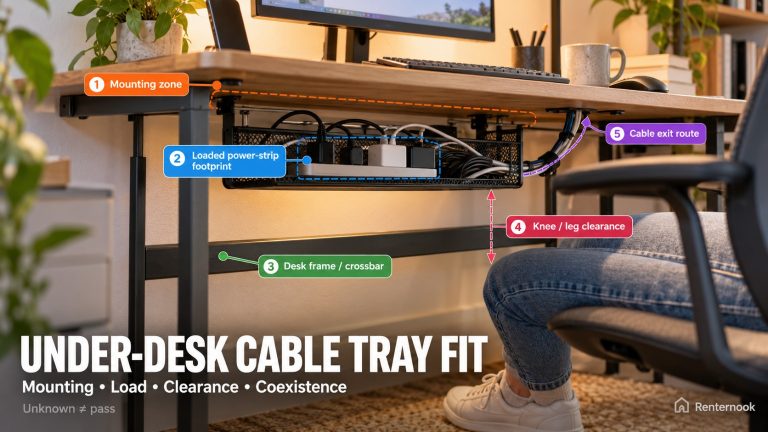
Location of metal frames, aprons, crossbars, and cable hardware
Available width and depth
Clearance for the drawer to extend
Knee and legroom in your normal sitting position
Chair and armrest movement
Whether the desk can support the drawer and its contents
Whether the clamps can be removed without leaving damage
A product’s maximum desktop thickness is only one part of compatibility.
1. Measure Desktop Thickness at the Actual Clamp Edge
Measure the desktop where the clamps will attach, not at a different part of the desk.
Some desks have a thin-looking top with reinforcement underneath. Others have beveled or rounded edges that reduce the usable clamping surface.
The three selected products have different published thickness limits:
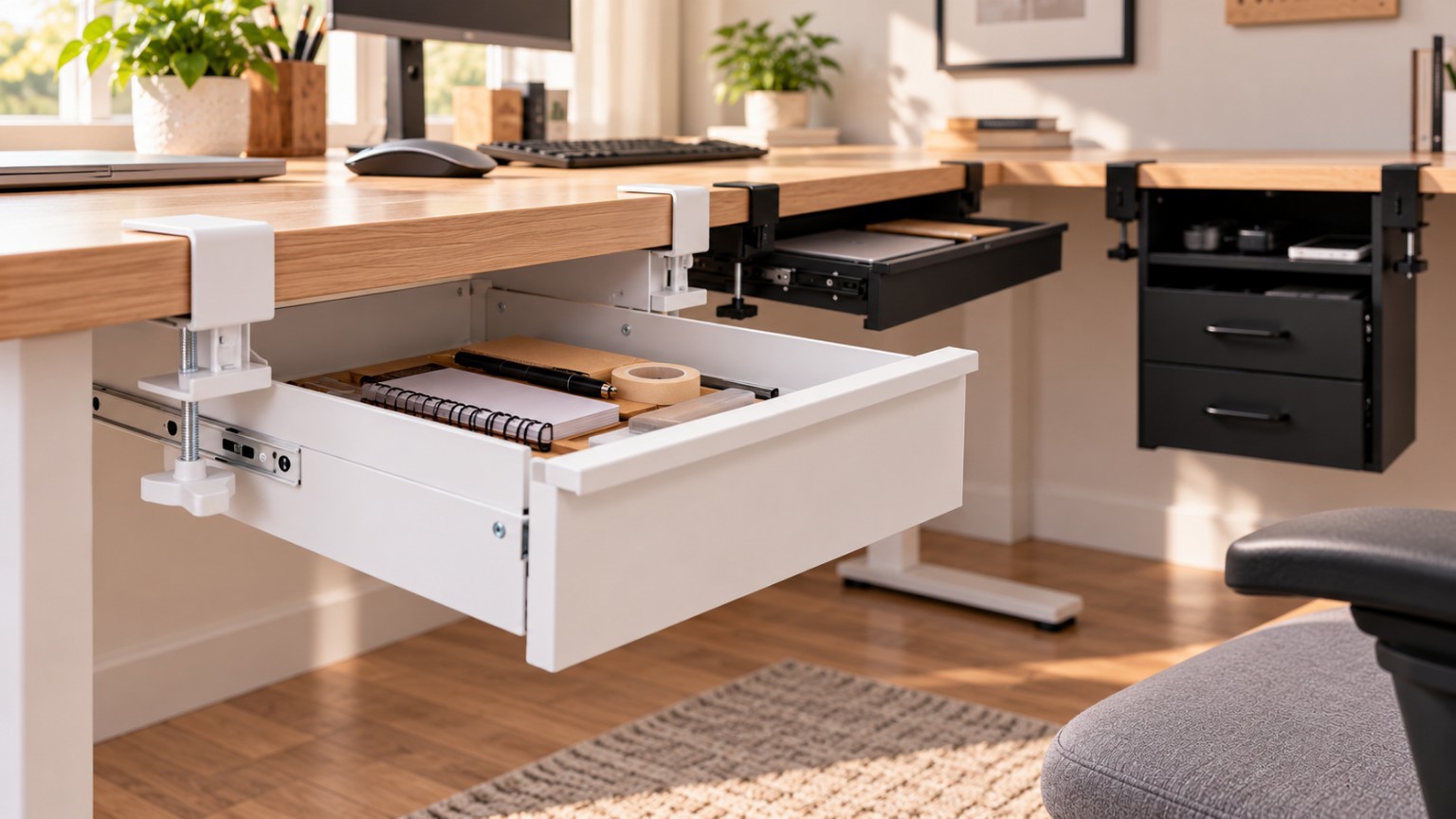
VIVO DESK-AC03C-W: up to 2 inches
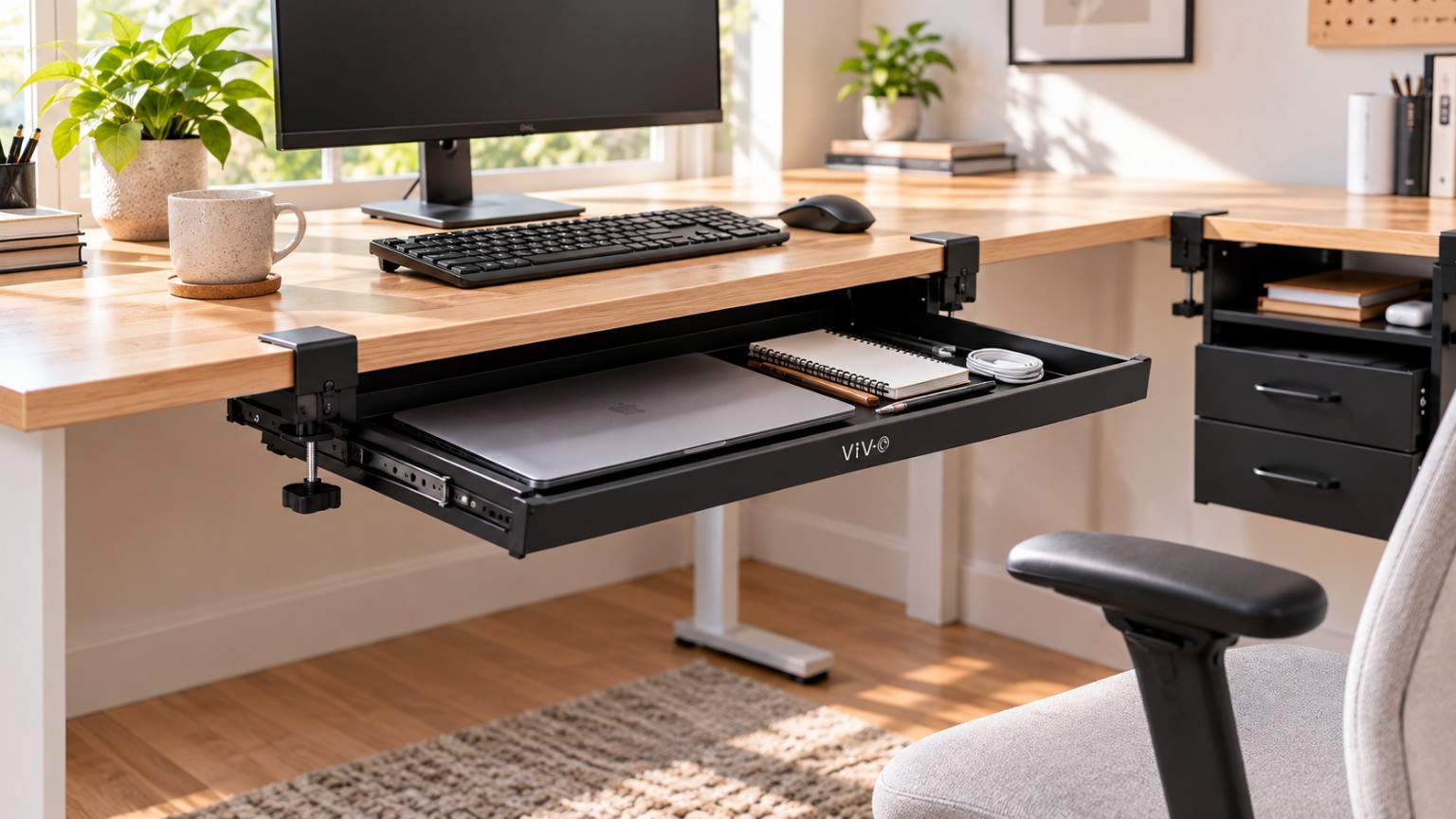
VIVO DESK-DR22L: up to 1.08 inches
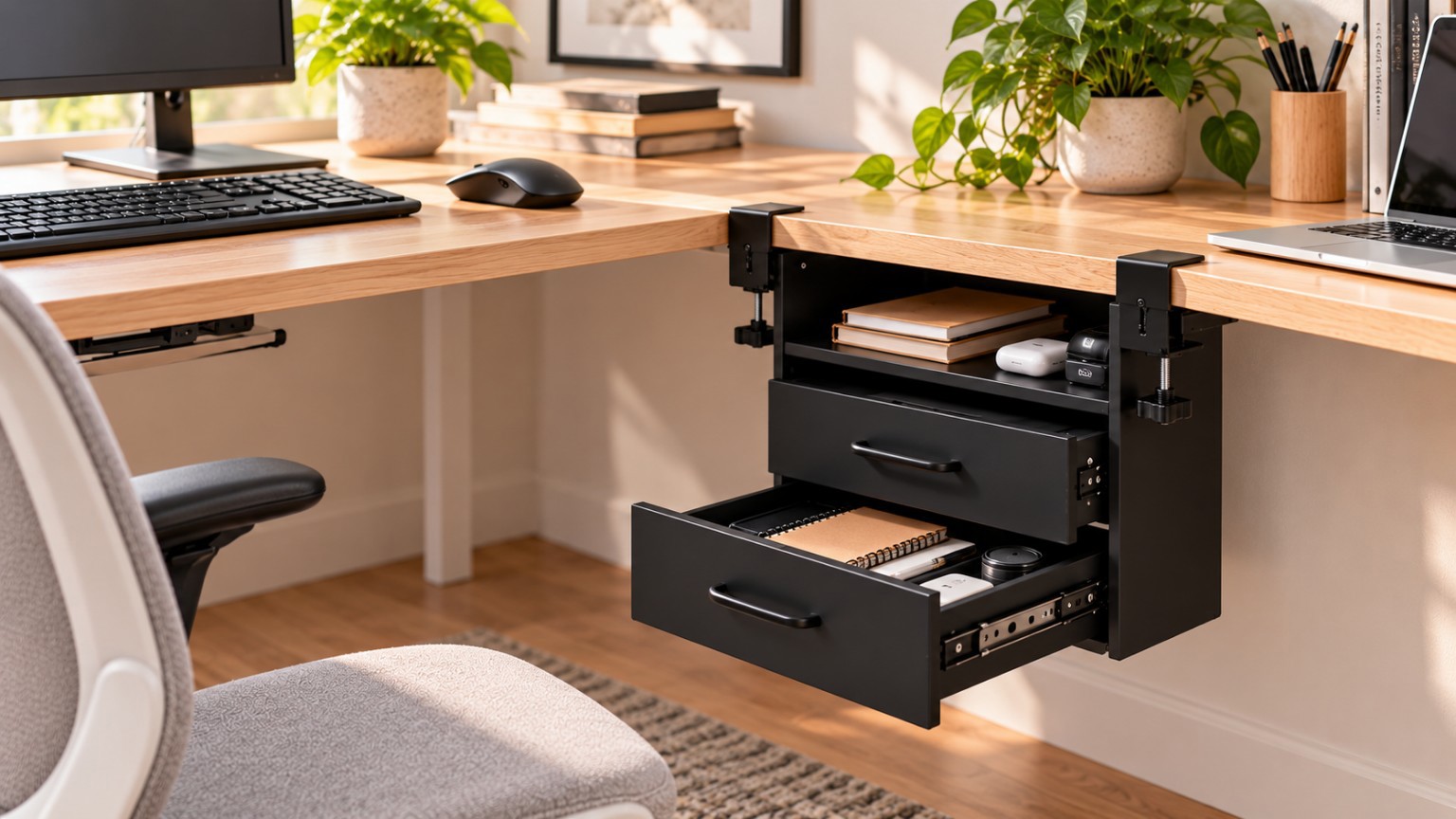
VIVO DESK-DR3C: up to 1.75 inches
These are maximum published values, not proof that every thinner desk will work. Clamp geometry and obstructions still matter.
If your desk has a thick apron or metal support close to the edge, inspect the installation drawings before ordering.
2. Check the Free Clamp Edge
A clamp-on drawer needs an accessible edge and sufficient space for its brackets.
Look underneath the desk and identify:
Metal rails or aprons
Crossbars and support brackets
Cable trays or power strips
Desk-control boxes
Drawer hardware already installed
Corner supports
Rounded or beveled sections
Measure the uninterrupted edge length available to the drawer assembly, including its clamps.
Do not rely on the storage compartment’s width alone. The clamp assembly may be wider than the drawer body.
3. Measure the Underside Clearance
Use a tape measure to establish the space from the underside of the desktop to the first obstruction.
Then measure how far the drawer would hang down and how much room remains for your knees.
The important clearance is not only whether the drawer physically fits. It must also remain comfortable when you sit, change posture, and move the chair.
If your desk is height-adjustable, check the arrangement at your lowest normal working height as well as while standing.
4. Compare the Three Storage Configurations
*Dimensions are manufacturer or seller-published measurements. Confirm the exact model’s latest installation instructions before purchase. Product weights are intentionally excluded.*
VIVO DESK-AC03C-W: Standard Sliding Drawer
The DESK-AC03C-W provides a single enclosed sliding compartment.
Its manufacturer-published internal dimensions are 14.3 × 8.7 × 3.8 inches. The outside width is 15.7 inches, increasing to 21.4 inches when the clamps are included.
That difference matters. A desk may have enough room for the drawer body but not enough clear edge for the full clamp assembly.
The product offers two clamp-height settings and a published maximum desktop thickness of 2 inches. Check the setting that would actually be used, since it changes the installed vertical profile.
This design should be evaluated where the drawer will be reachable without obstructing normal seating.
VIVO DESK-DR22L: Extra-Wide Shallow Drawer
The DESK-DR22L uses a wider, shallower compartment.
Its published inside dimensions are 22 × 8.8 × 1.9 inches, which changes what can be stored compared with a deeper drawer. Thin notebooks, pens, and similar small items are more plausible uses than bulky objects.
The assembly’s published width increases to 28.2 inches including clamps. This makes free edge length a particularly important measurement.
The maximum published desktop thickness is 1.08 inches. Do not substitute the 2-inch limit of the DESK-AC03C-W; these are separate models.
A shallower compartment does not automatically mean better legroom. Check the installed vertical drop, the desk’s support structure, and the position relative to your chair.
VIVO DESK-DR3C: Corner Drawer and Shelf System
The DESK-DR3C is a substantially different configuration: an open upper shelf and two enclosed drawers designed for a desk corner.
The manufacturer states that it accommodates both straight-edge and rounded-edge corners when the two sides provide suitable flat surfaces meeting at 90 degrees.
The overall published dimensions are 18.3 × 9.7 × 12.6 inches. That vertical dimension makes knee and chair clearance especially important.
Its internal drawers are listed at approximately 11.7 × 8.4 inches, with different drawer heights. Both drawers have a published 7.5-inch extension.
The product uses reversible clamps for left- or right-side placement. VIVO recommends two-person installation.
The corner location should be chosen only after checking that the storage unit will not interfere with your seated working position or any desk frame.
5. Check the Drawer Extension Path
A drawer needs more room than its closed dimensions suggest.
Mark the expected front of the installed drawer and measure the available space in front of it.
Check whether opening the drawer would strike:
Your knees
Chair arms
The chair back or seat as it moves
A nearby cabinet
A desk leg
Another storage unit
The published extension is 7.9 inches for the DESK-AC03C-W and DESK-DR22L, and 7.5 inches per drawer for the DESK-DR3C.
Treat these values as mechanical travel measurements, not guarantees of unobstructed access.
6. Check the Desk’s Load Capacity
A clamp-on drawer adds load to the desktop and concentrates some of that load near the clamping points.
The published 11-pound storage load limit for each selected model does not mean that every desk can safely support the complete installed system.
Verify the desk manufacturer’s load guidance, the condition of the desktop, and the clamp-contact surfaces. The drawer’s own mass also contributes to the total load.
For the DESK-DR22L, available published product-weight information is not sufficiently reconciled for this editorial version. Its empty weight is therefore omitted from the comparison rather than selecting an unsupported value.
Do not use a drawer’s storage-load rating as a substitute for checking desk compatibility.
7. Plan Installation and Removal Before Buying
Clamp-on storage can be more reversible than screw-mounted furniture accessories, but reversibility is conditional.
Before installation:
Inspect the desk edge for damage or weak laminate.
Confirm that the clamps can grip an appropriate flat surface.
Check the manufacturer’s instructions and included protective pads.
Assemble the drawer according to its model-specific manual.
Tighten the clamps as instructed, without improvising additional force.
Test the drawer’s extension with the desk unloaded.
Add light contents and check for movement or interference.
Inspect the desktop when removing or relocating the assembly.
Clamping does not guarantee zero marks, especially on soft finishes, veneer, or damaged furniture.
For renters, confirm whether the desk belongs to the property and whether temporary attachments are permitted.
8. Match the Drawer to the Storage Job
These products all add small-item storage, but they address different spatial constraints.
A standard single drawer is worth evaluating when you need a conventional enclosed compartment and have a suitable straight desk edge.
A wide, shallow drawer is worth evaluating when the items are relatively flat and there is sufficient unobstructed edge length.
A corner drawer system is worth evaluating only when the corner geometry, underside clearance, and seated working position all support its larger structure.
This is a fit comparison, not a product ranking.
Before You Buy: Final Checklist
[ ] The exact model number matches the listing.
[ ] Desktop thickness is within that model’s published limit.
[ ] The clamp edge is sufficiently flat and unobstructed.
[ ] The full clamp assembly fits the available edge length.
[ ] The underside frame and apron do not block installation.
[ ] The drawer fits within the available width, depth, and height.
[ ] The full extension path is clear.
[ ] Knees, legs, chair, and armrests can move normally.
[ ] The desk can support the complete installed load.
[ ] The contents fit the drawer’s internal dimensions.
[ ] Installation and removal are acceptable for the rental furniture.
[ ] The current product manual and seller terms have been checked.
Bottom Line
A clamp-on under-desk drawer is useful only if it fits the desk edge, underside structure, and seated workspace.
Measure those constraints before comparing storage capacity. The DESK-AC03C-W, DESK-DR22L, and DESK-DR3C use different dimensions and mounting layouts, so choose according to the available installation space rather than assuming any clamp-on drawer will fit.